White Balance
Adjust color temperature (Kelvin) and tint.
White Balance / Tint Slider 
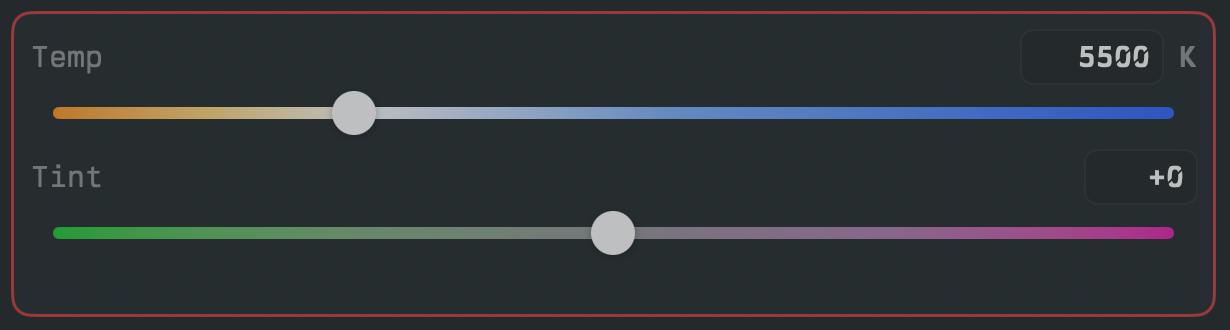
- Horizontal gradient sliders. Temperature shows a warm-to-cool gradient; tint shows green-to-magenta. Includes text-entry fields for direct values.
Step buttons
- White Balance +
 / White Balance −
  : increase/decrease color temperature.
 - Tint + / Tint − : increase/decrease tint.
Pickers
- White Balance Picker : dropdown to select a temperature value. Optional +/− step
buttons (enable in widget settings).
- Tint Picker
 : dropdown to select a tint value (−99 to +99). Optional +/− step buttons.
Auto White Balance
- AWB
 : triggers the camera's auto white balance routine. The camera measures the scene and sets the white balance, and bit.ctrl adopts the measured Kelvin and tint as the active value, shown on the sliders, manual fields, and pickers.
You can also run auto white balance from Settings → White Balance.
Presets
A white balance preset is a saved temperature (Kelvin) and tint pair with a name. bit.ctrl keeps two separate preset lists:
-
Local presets live in the app: the factory set plus any you save. They are included in settings backups and are what the WB Presets widget displays.
-
On-camera presets live on the camera itself. bit.ctrl reads them back when you connect.
-
WB Presets
 : a scrollable list of your local presets. Tap one to apply it.
Applying a preset sets the camera's white balance to that preset's Kelvin and tint directly. It does not select a memory slot on the camera, so the change takes effect immediately and is reflected on the sliders, manual fields, and pickers.
Managing presets
Manage presets in Settings → White Balance:
- Save Current: name the camera's current Kelvin/tint and add it as a new local preset.
- Remove: delete a local preset.
- Restore Factory Local Presets: reset the local list to the factory presets.
- On Camera: view the presets stored on the camera, save the current white balance as an on-camera preset, or delete on-camera presets.
Syncing local presets to the camera
Turn on Sync local presets to camera in settings to push your local presets onto the camera each time bit.ctrl connects, so the camera's stored presets mirror the app's.
Factory presets and the valid Kelvin/tint range are camera-dependent. See Supported Cameras for your camera's values.