What's new in bit.ctrl 1.2.0

bit.ctrl 1.2.0 adds alarms, Assignment Zones, Flanders Scientific monitor control, an iPad Apple Pencil Only mode, new layout presets and widgets, plus Sony VENICE and ARRI improvements.
Alarms
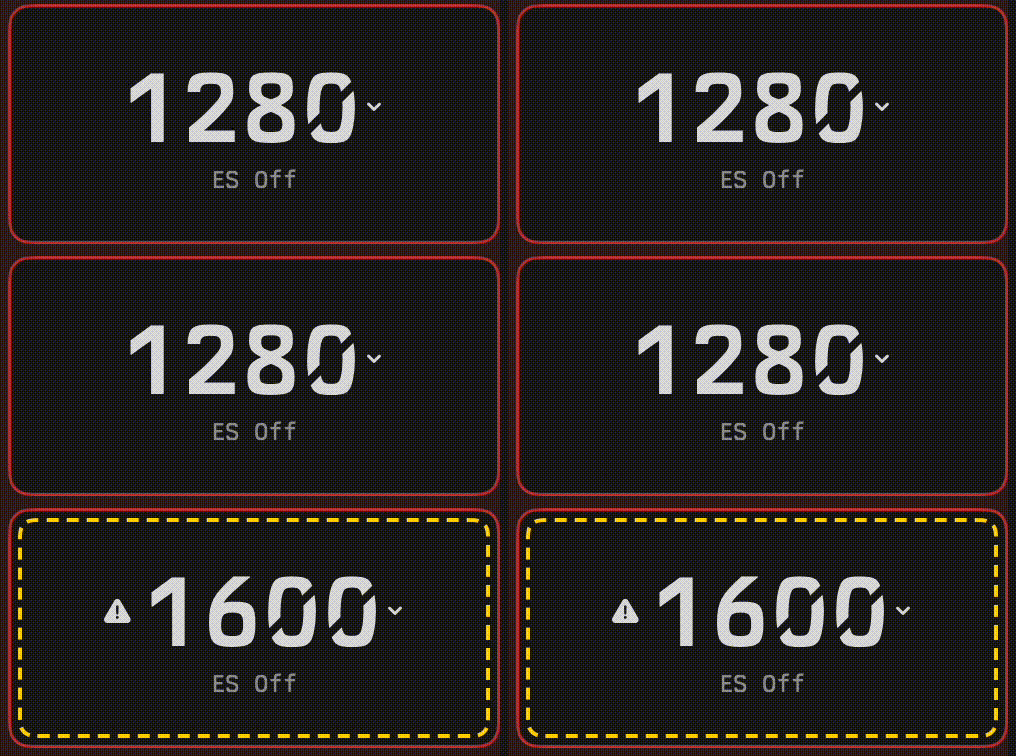
Now you will receive an alarm when a setting is changed outside of bit.ctrl. This can be disabled in settings, and any alarm can be ignored per camera. Record alarm is disabled by default, but can be enabled.
Assignment Zone
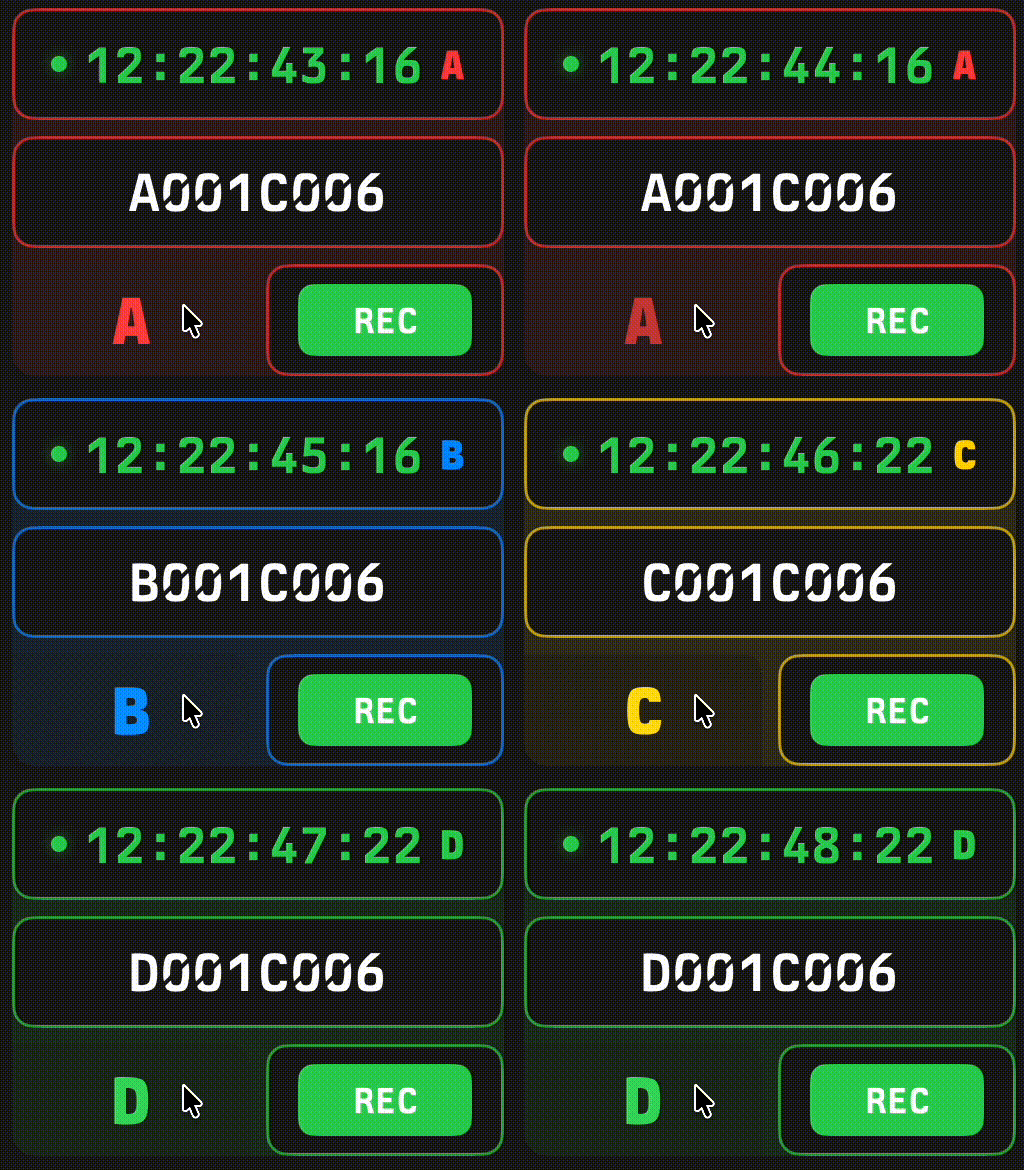
Draw a square on the screen and any widget in that zone will be assigned to the camera selected. You can then easily toggle between cameras using the button at the bottom left corner of the zone. In options the label can be disabled.
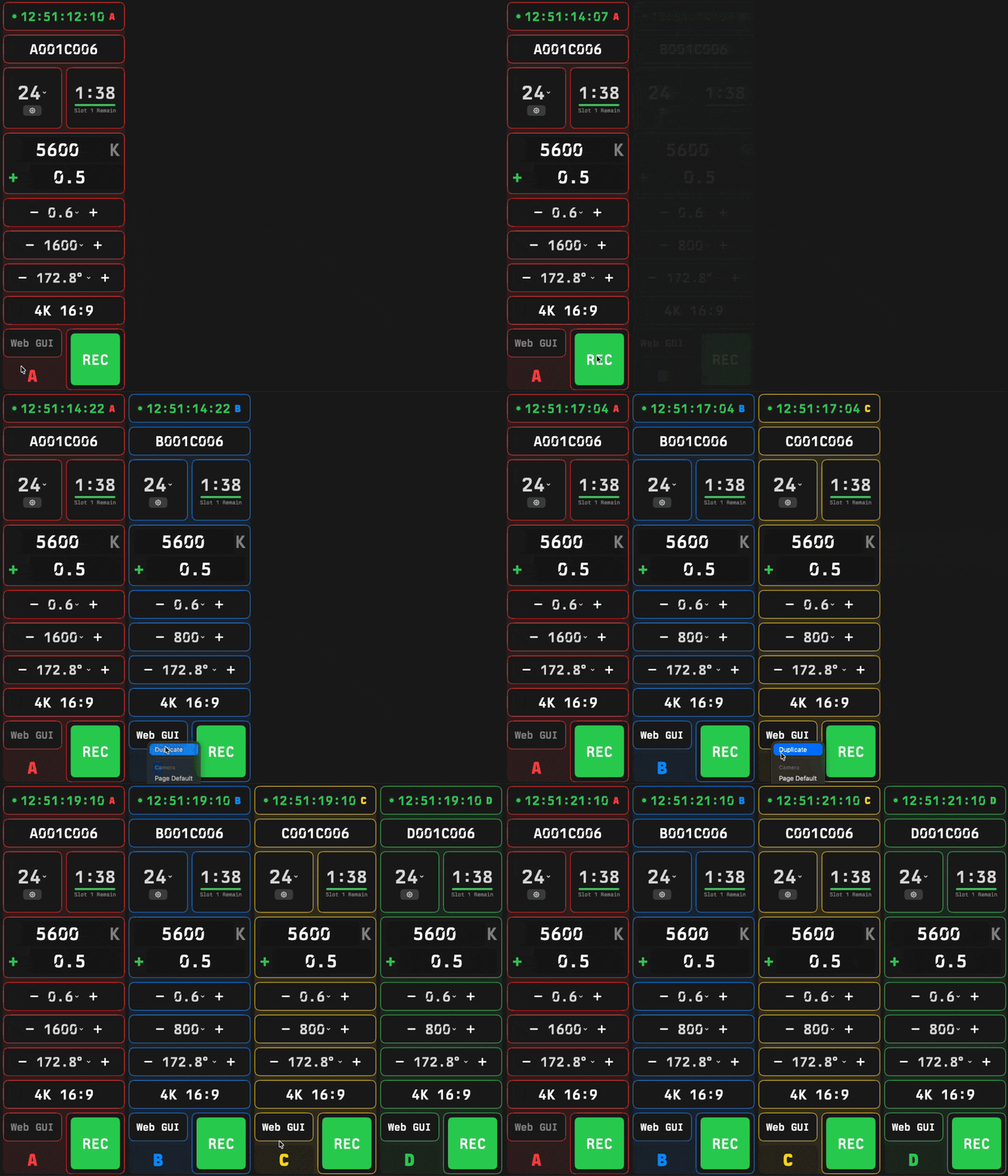
If you click on widget options and "duplicate" the assignment zone, it will automatically create an identical zone for the next camera letter.
Note Widgets
We've added a few note widgets for convenience. There's now a static label field to organize your layout as well as two dynamic options. Both can be assigned to a specific camera or no camera at all.
Note – an open ended text field with a short command to insert timecode (tc:).
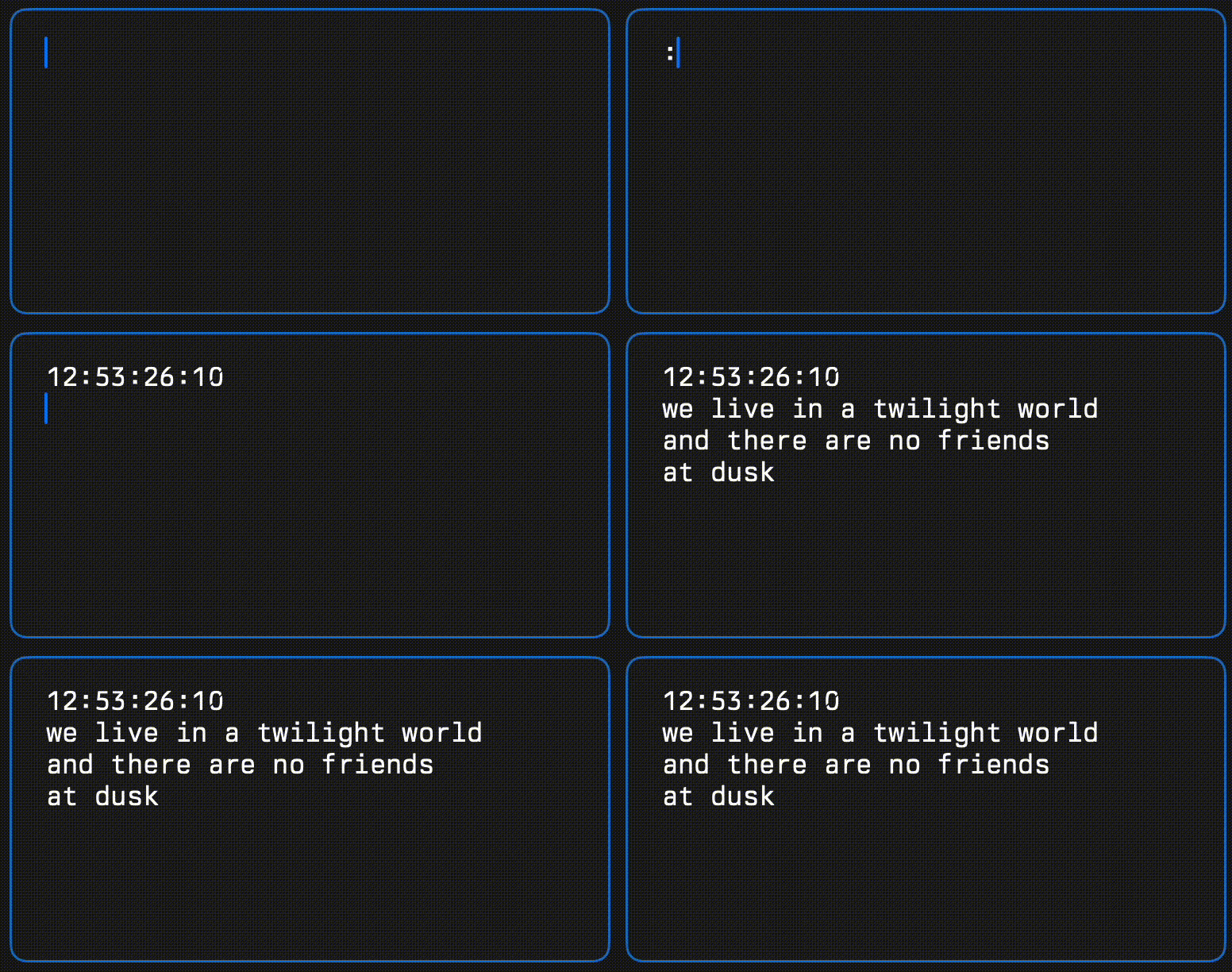
Note Flag – a button that automatically adds a timecode flagged note.
Monitors
Control for Flanders Scientific XMP series monitors is now included.
Support
A new Settings › Support page with Send Support Log. Please use this to report issues.
Apple Pencil Only mode (iPad)
A pencil button in the tab bar turns it on. Then only the Pencil can be used for inputs.
Updates
- Built-in layout presets: Single Camera Detailed, Two Camera Detailed, Single Camera Touch, Two Camera Touch and RCP Style.
- New default layout.
- Assignment Zones. Draw a zone around a group of widgets, and every widget inside it controls the zone's camera. Tap the zone's camera tab to switch cameras.
- Text Label widget.
- UI cleanup. Resizing and moving widgets is now faster and simpler.
- On iPad, a swipe scrolls the page, and moving a widget starts after a short hold.
- Widget library redesigned for ease of use.
- New and improved numpad entry on iPads.
- Tab moves to the next field and Return sends the value. Fields are not left selected after Return.
- White Balance / Shutter preset and mode improvements.
- Disconnect UI behavior improvements.
- Linking button improvements.
- Step button improvements.
- Settings pane improvements.
- Manual widget entry interaction improvements.
- Mon out false color is now linkable.
- Playback is now linkable.
- Sensor flip is now linkable.
- Zoom to fit.
- Sizing improved on macOS when resizing window.
New Widgets
- Battery and External Voltage
- Assignment Zone
- Text Label
- Save Shutter
- Save WB
- FSI monitor commands
- Output LUT widget redesigned
Sony VENICE
- V5.0 validated for VENICE 2.
- Connectivity improvements.
- An alarm when the image sensor gets too hot.
- The SDI Info, Mon Out Frameline and Mon Out Status buttons turn orange when their function is on.
- If the camera rejects your username or password, the app says "Wrong username or password" and stops trying until you change them.
- Controls stay accurate for the camera's sensor while the camera is disconnected.
- A camera with cards but no recorder selected shows "No Media" instead of "Standby".
- White balance improvements.
ARRI
- ES mode is now linkable.
- Sensor mode improvements.
- Two letter camera IDs now supported.